Stellar is an open-source public network designed for payments and the issuance and exchange of digital assets. Its native asset is the lumen (XLM). XLM is used to pay network transaction fees and meet account and ledger-entry balance requirements, helping limit spam and excessive ledger growth. Other assets can also be issued and transferred directly on the Stellar network.
Step 1
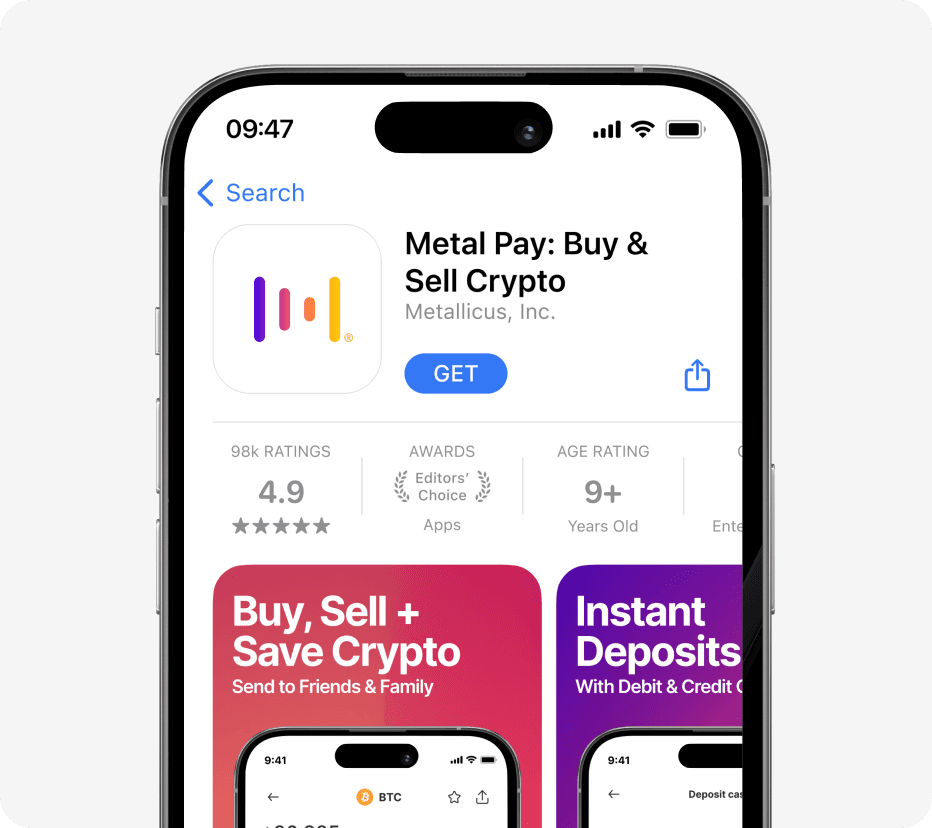
Download the Metal Pay App
Download the Metal Pay App on the iOS App Store or Google Play Store and get ready to access the world of digital assets.
Step 2
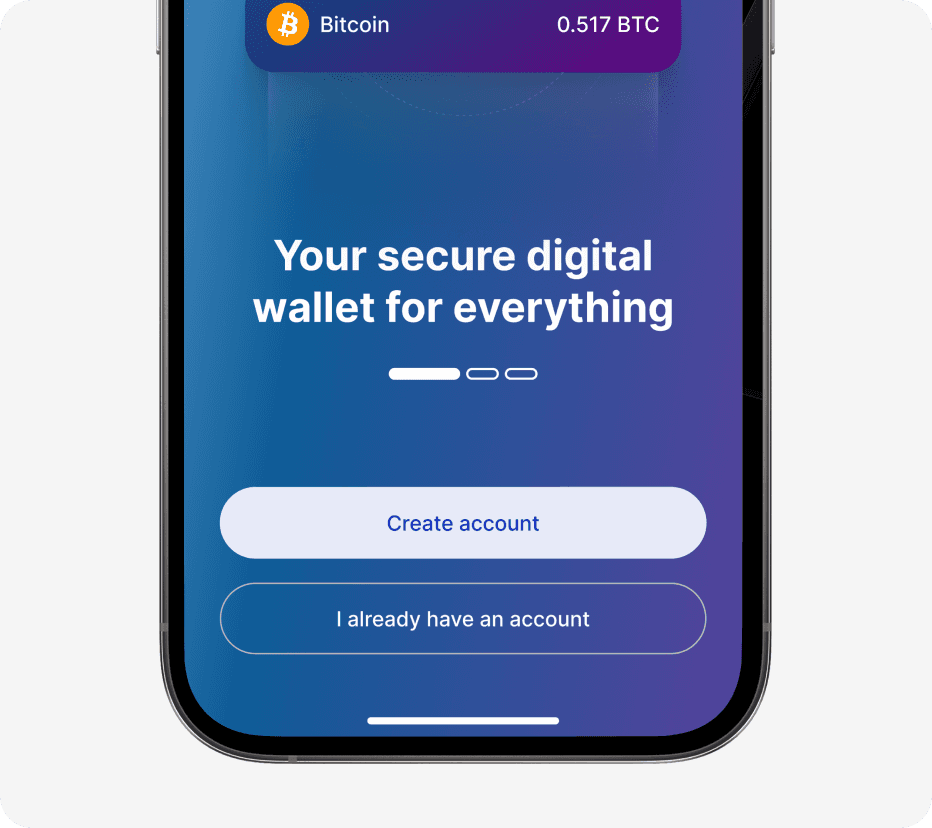
Create Account or Sign-In
Sign up for your Metal Pay account using your email address, and phone number. You can also sign in using your Apple ID.
Google Account + WebAuth Sign-In coming soon.
Step 3
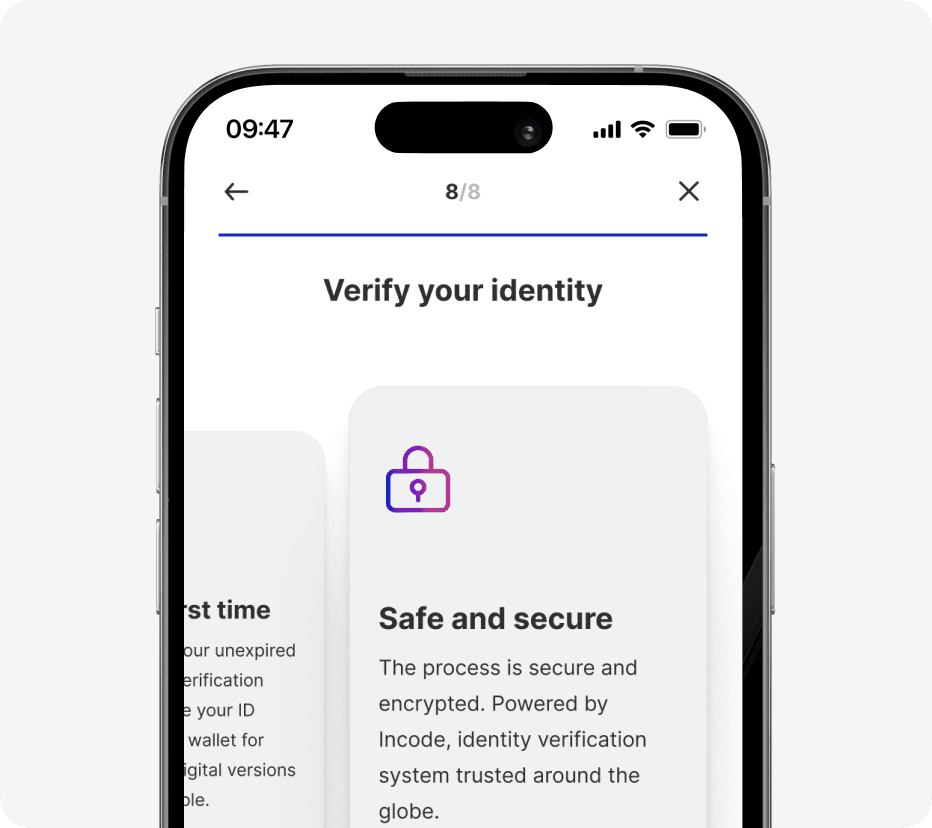
Verify Your Identity
To remain compliant with regulations, you are required to verify your identity, using a government issued ID, in addition to your Social Security Number. Nothing more than your existing bank would require.
Step 4
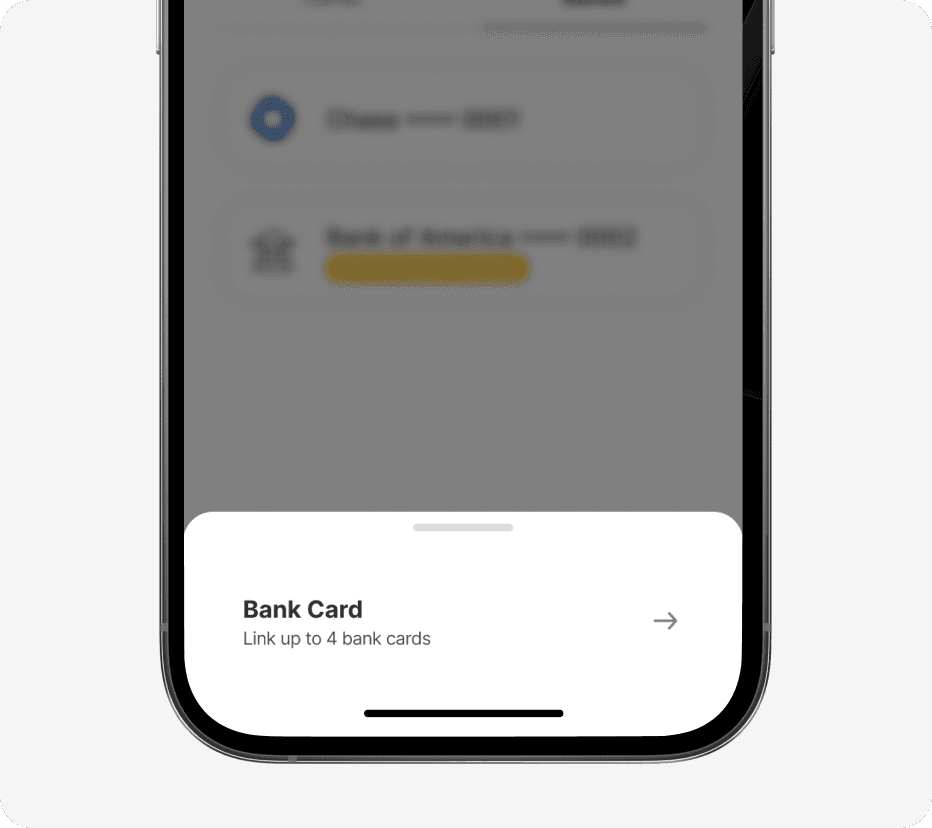
Link a Debit or Credit Card
1. Access Settings page, by clicking on your profile image
2. Select the Payment Methods tab
3. Select '+' in the top right
Select Debit or Credit Card
Enter card details + address
You are now ready to buy Stellar
Step 5
Find Stellar on Marketplace
From the home screen, select the Crypto Card
Find Stellar on the Marketplace
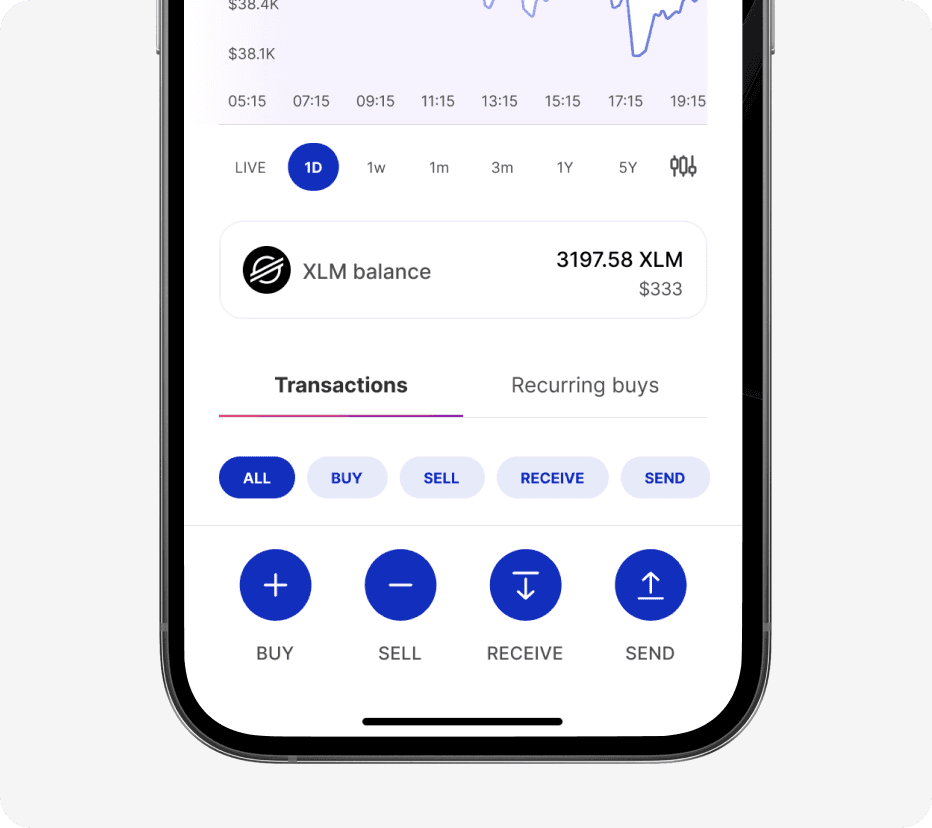
Select Stellar
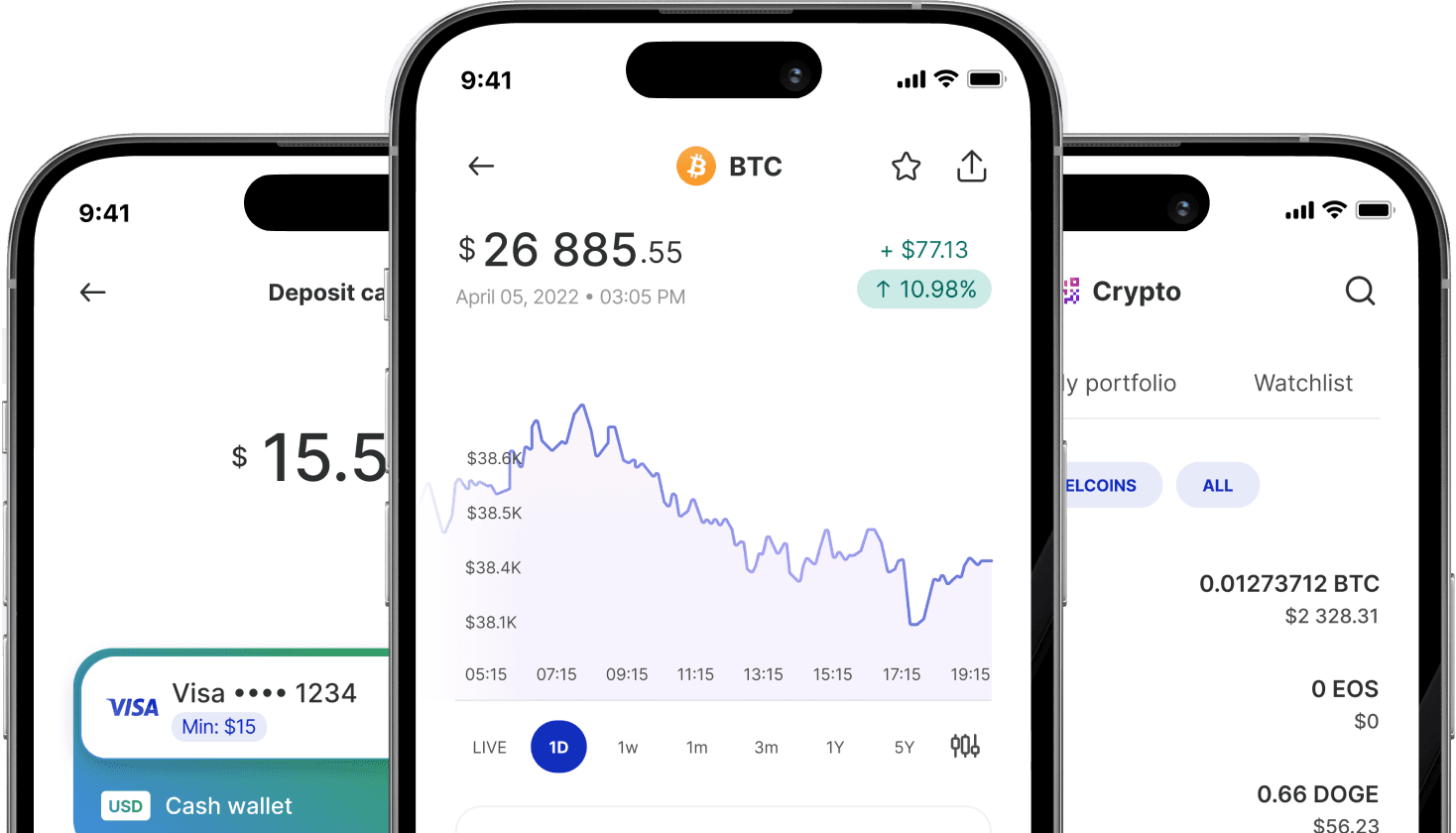
You can view the current price, and adjust chart metrics
Step 6
Buy Stellar with Metal Pay
Click the 'Buy' button
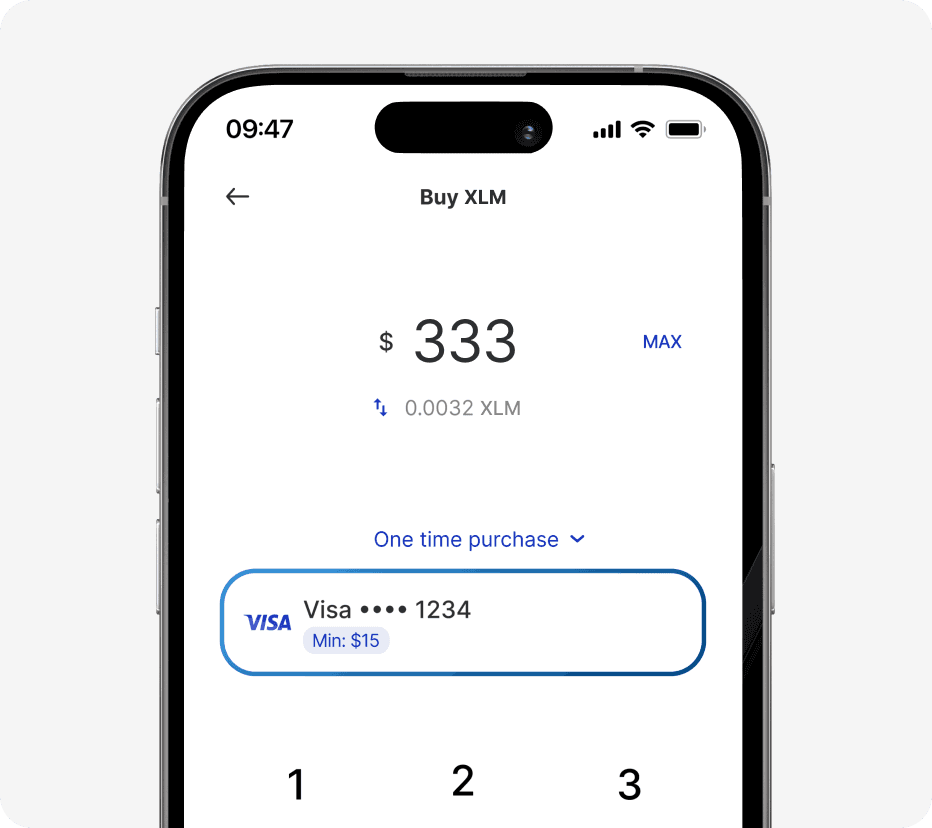
Choose the amount you would like to purchase
You can choose a $USD or $XLM amount using the arrows
Select One time purchase, or set up an automatic buy
Choose your preferred payment method
Step 7
Finalize purchase
Select 'Review'
Review all of the purchase details for accuracy
Confirm your transaction by selecting 'Buy'
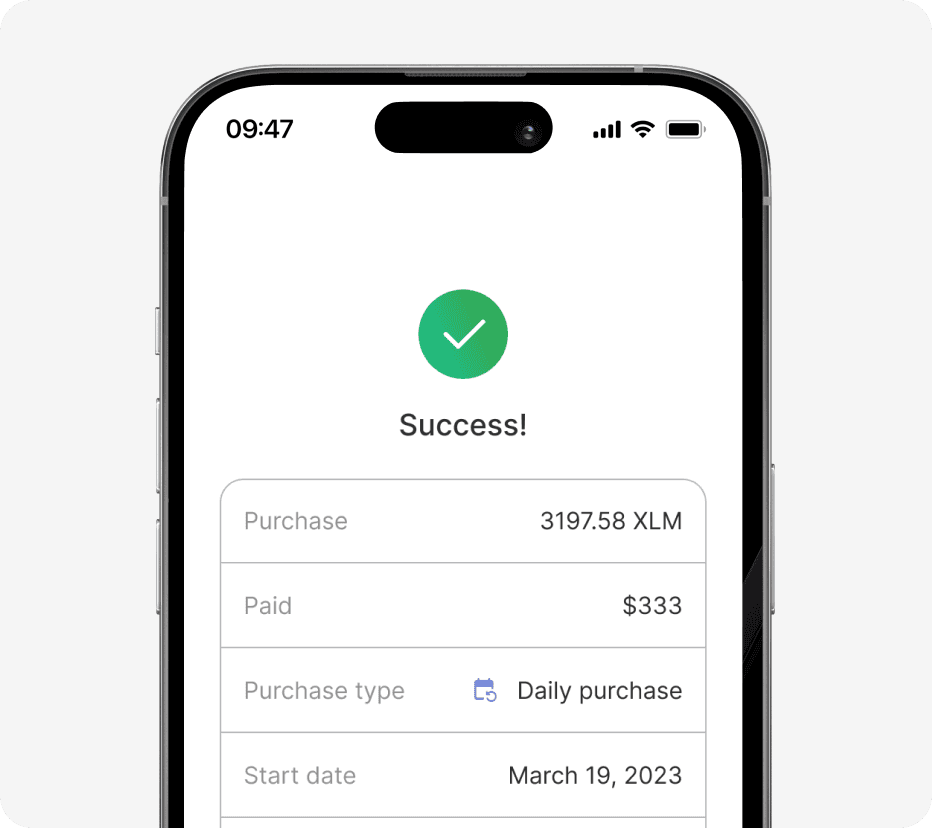
Congratulations you've successfully purchased Stellar